READY TAP GO · THE DETAILS
How NFC & QR Signs Work
Tap or scan. Open your next connection.
Learn how NFC tags and printed QR codes connect customers to your website, menu, booking page or social profile, and what to provide for a custom sign.
Create your sign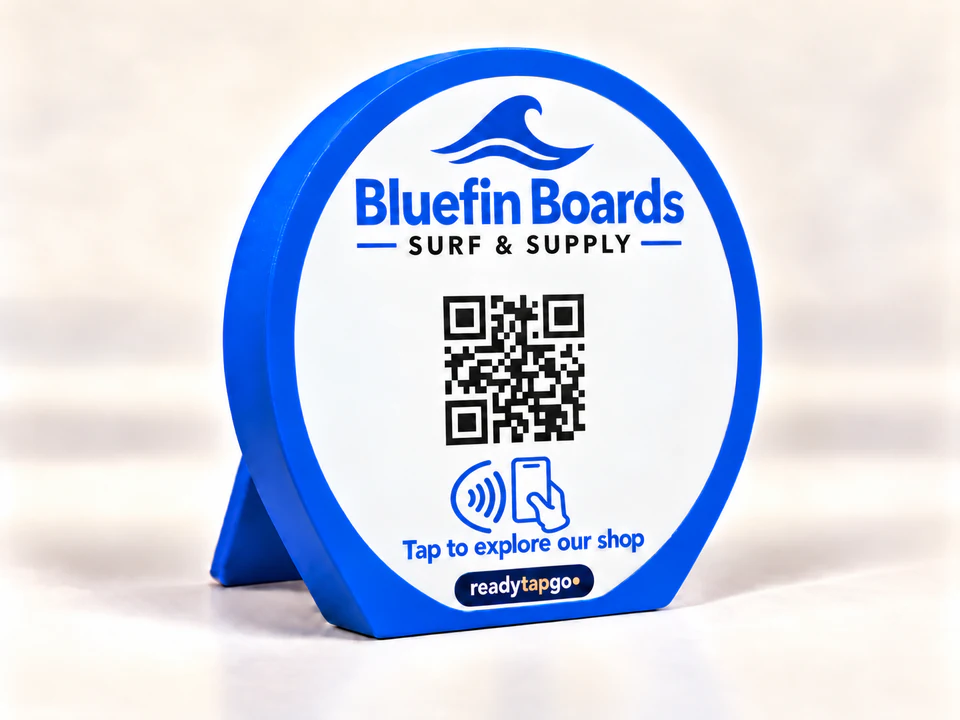
NFC opens a stored web link.
NFC means near-field communication. A compatible phone held close to the embedded tag can read its stored URL and offer to open it. Phone support, settings, antenna position and the mounting surface affect how a tap works. The passive tag does not need a battery.
A QR code offers a camera option.
The printed QR code contains a destination such as a website URL. Customers point their phone camera at it and follow the displayed link. Lighting, contrast, clear margins and print detail matter. Both methods usually need an internet connection to load the destination website.
Use one destination or two.
You can request an NFC destination for your website and a different QR destination for another page, such as Instagram. Supply the exact addresses and check each one. We confirm the final link assignment as part of the design process.
What can change later?
You can update the content at a URL you control without changing that URL. A printed QR code is fixed. NFC rewriting depends on tag access and whether it has been locked, so do not assume your finished sign can be reprogrammed. If future destination changes matter, discuss a URL you control before approval.
A flush back, across the collection.
Every new sign design uses a recessed quarter-turn cover over the NFC pocket. It opens with a small flat-blade screwdriver. Freestanding styles keep integrated supports; flat wall and counter versions keep the rear mounting surface clear. Custom shapes reserve space for the same cover. Keep tape off the cover and remove an adhesive-mounted plaque before servicing it. The production proof confirms construction, placement and fit. See the new backs.
NFC vs QR code
| Question | NFC tap | QR scan |
|---|---|---|
| How do customers open the link? | Bring a compatible phone close to the tag | Point a phone camera at the printed code |
| What can affect it? | Phone settings, antenna position, case and nearby metal | Contrast, clear margins, light and viewing angle |
| Does the sign need a battery? | The passive NFC tag does not | The printed code does not |
| Can the destination change? | Depends on tag access/locking or the URL you control | The printed code is fixed; content at a stable URL can change |
Test in the place customers will use it
- Open the destination directly and confirm it is a public, mobile-friendly page.
- Scan the printed QR code in the intended lighting.
- Try tapping with compatible phones and different antenna positions.
- Repeat the check near the actual mounting surface before attaching the sign.
- If a link fails, separate a destination-page problem from a tap or scan problem.
For product choices, see custom NFC signs and QR signs and stands.
Questions before you order
Do customers need a Ready Tap Go app?
The sign stores a web destination. A compatible phone can read NFC or use its camera to scan a QR code. The destination platform may have its own app or sign-in requirements.
Does tapping work on every phone?
No universal compatibility is promised. Phone hardware, settings, cases and placement can affect the experience; the printed QR code offers a separate option.
Can NFC and QR use different links?
Yes, request the exact address for each action and review the assignment before production.